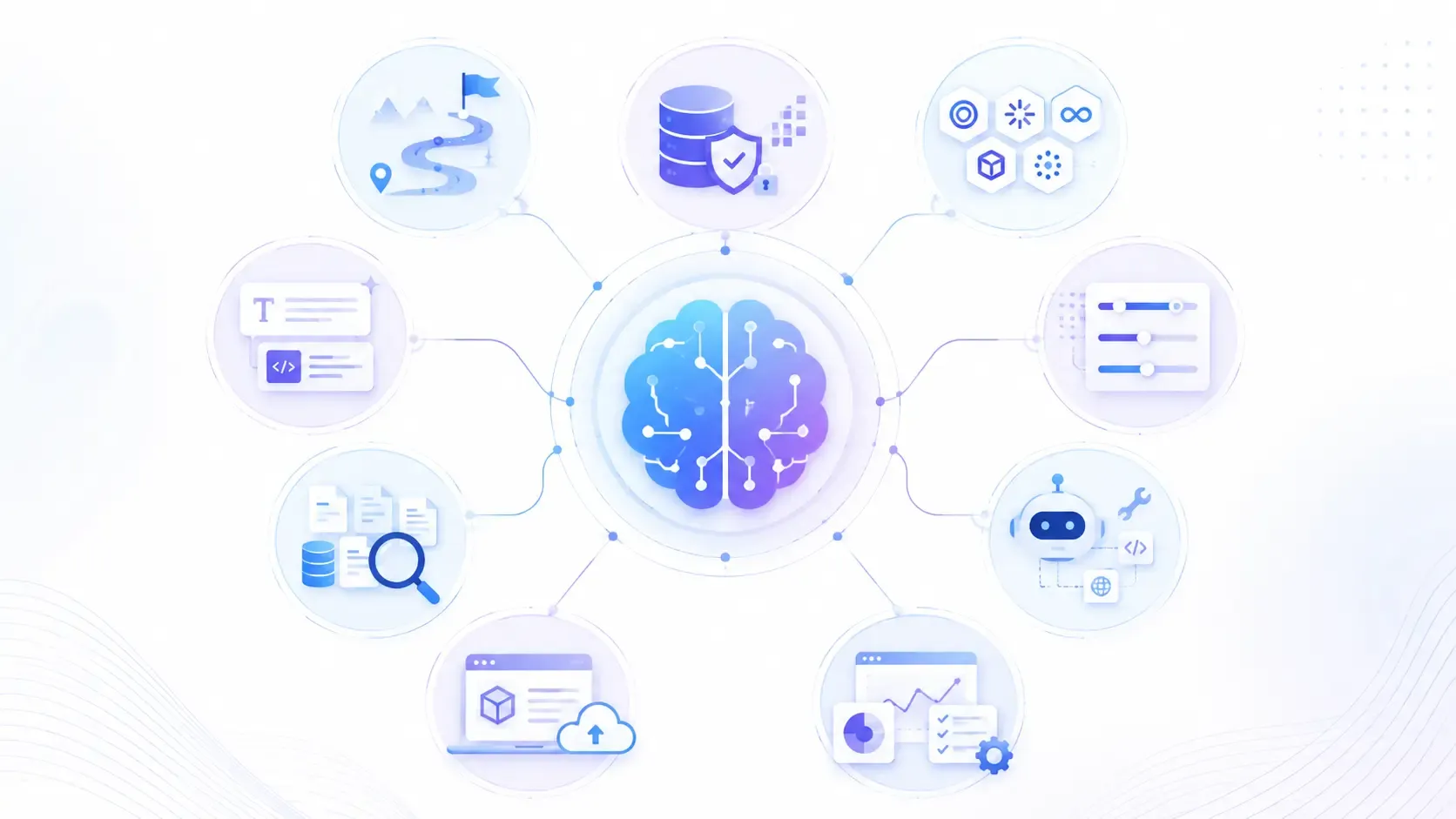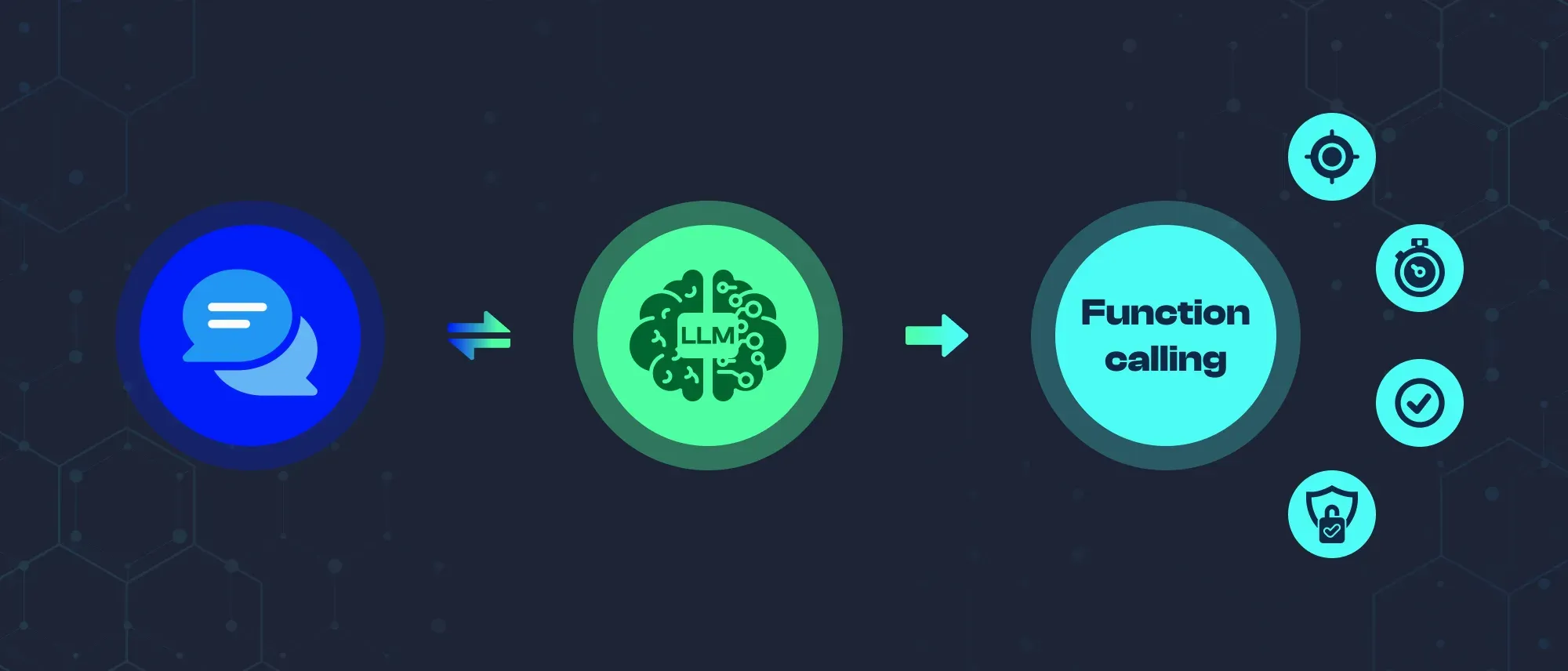
- Function calling allows LLMs to interact with external tools, APIs, databases, and live data sources.
- The model selects a suitable function and generates structured parameters, while the hosting application executes it.
- The workflow includes input analysis, tool selection, parameter extraction, execution, result processing, and response generation.
- Reliable systems require accurate tool selection, parameter validation, error handling, and conversation-context preservation.
- Common uses include live information retrieval, database operations, calculations, scheduling, API workflows, and device control.
- Ambiguous requests should trigger clarification or confirmation, especially before irreversible actions.
- Function calling turns an LLM from a conversational system into one that can complete real-world tasks.
Large language models are impressive at understanding language, but on their own they cannot check live stock prices, query a database, or book a calendar event. That is where function calling changes the picture. It gives LLMs the ability to reach outside their training data and interact with real-world tools and APIs.
This article explains what LLM function calling is, how it works step by step, and where it is being used across real applications.
What Is Function Calling in LLMs?
Function calling is a feature in large language models that enables them to recognize when an external tool or API is needed to complete a task and to generate the correct inputs for that tool. Instead of relying solely on training data, the model can trigger external functions, receive their output, and incorporate the result into its response.
This bridges the gap between natural language understanding and real-world action. The model does not just answer questions. It can take steps.
How LLM Function Calling Works
LLM function calling follows a structured sequence every time it is triggered.
1. Input Analysis The model analyzes the user's query to determine whether an external function is needed or whether the answer can be generated from existing knowledge.
2. Function Matching If a function is needed, the model searches its available set of tools and selects the most relevant one for the task.
3. Parameter Extraction The model extracts or infers the required parameters from the user's input and the conversation context. For example, if a user asks for the weather in Mumbai, the model identifies "Mumbai" as the location parameter.
4. Function Call Formulation The model constructs a properly formatted function call with the selected tool and extracted parameters, ready for execution.
5. Execution The function is called through an API or system interface managed by the application hosting the model. The model itself does not execute the call directly.
6. Result Processing The model receives the function's output and interprets it in the context of the original query.
7. Response Generation The model generates a final response that incorporates the function's output and directly addresses the user's question.
Key Requirements for Reliable Function Calling
For LLM function calling to work reliably in production, the model needs to handle more than just the happy path.

Walk away with actionable insights on AI adoption.
Limited seats available!

Accurate identification means recognizing which requests need an external tool and which do not. Unnecessary function calls add latency and cost.
Correct parameter population is critical. A function call with the wrong parameters produces a wrong or failed result, even if the right function was selected.
Error handling ensures the model can communicate when a function fails, returns unexpected output, or is unavailable, rather than silently returning an incorrect answer.
Context preservation keeps the conversation coherent across multiple function calls within a single session.
Where is the LLM Function Calling Used?
Real-Time Information Retrieval: LLMs cannot access live data from training alone. Function calling enables weather lookups, live stock prices, exchange rates, and breaking news to be pulled in at query time and returned as part of a natural language response.
Database Interactions: Models connected to databases can look up customer records, check inventory levels, update account information, or retrieve content, all from a plain language request without the user needing to write a query.
API Integrations: Function calling enables AI integration with e-commerce platforms, travel booking systems, social media APIs, and payment processors. A user can ask "Book me a flight to Delhi on Friday," and the model can interact with a travel API to search and return options.
Complex Calculations: For financial planning, scientific computations, or engineering calculations that go beyond what language models can reliably compute internally, function calling delegates the math to a dedicated tool and returns the verified result.
Scheduling and Calendar Management: Models with calendar access can find free time slots, create events, send invites, and check availability, making them genuinely useful as scheduling assistants rather than just conversational interfaces.
Smart Home and Device Control Function calling connects LLMs to device management APIs, enabling natural language control of lights, thermostats, security systems, and automation routines.
How LLMs Handle Ambiguous Function Calls
Not every user request is precise. When a query is unclear, a well-designed function calling system handles ambiguity through several strategies.
Asking for clarification. If the model cannot confidently identify the right function or parameters, it asks the user to provide more detail before proceeding.
Using conversation context. The model draws on earlier messages in the session to make informed assumptions. If a user has been discussing a specific city, a vague weather question likely refers to that city.
Making reasonable assumptions. For missing but inferable parameters, the model applies common-sense defaults and communicates what assumptions it made.
Ranking possible interpretations. When a request could match multiple functions, the model scores each option and selects the most likely match, rather than guessing randomly or failing silently.
Confirming before irreversible actions. For actions that cannot be easily undone, such as sending a message or placing an order, the model confirms with the user before executing the function call.
Conclusion
LLM function calling transforms language models from static knowledge systems into active tools that can retrieve data, trigger APIs, and complete real-world tasks. The gap between understanding a request and acting on it is exactly what function calling closes.
Walk away with actionable insights on AI adoption.
Limited seats available!
For developers building AI products, it is one of the most practical capabilities available today, and understanding how it works is the foundation for building reliable, capable AI assistants.
Frequently Asked Questions
What is LLM function calling?
LLM function calling is a feature that allows large language models to identify when an external tool or API is needed, generate the correct inputs for it, and incorporate the result into a response. It extends what a model can do beyond its training data.
How does function calling improve AI assistants?
Function calling enables AI assistants to retrieve live data, perform calculations, interact with databases, and trigger external services, turning them from conversational tools into systems that can take real actions on a user's behalf.
How do LLMs handle ambiguous function calls?
When a request is unclear, LLMs can ask for clarification, use conversation context to make informed assumptions, rank possible interpretations, and confirm before executing irreversible actions.
What is the difference between function calling and tool use?
The terms are often used interchangeably. Tool use is the broader concept of an LLM interacting with external systems. Function calling refers specifically to the structured mechanism where the model outputs a formatted function name and parameters that an application then executes.
Which LLMs support function calling?
OpenAI's GPT models, Anthropic's Claude, Google's Gemini, and several open-source models support function calling or tool use in various forms. Implementation details vary by provider.

Sakthivel
A software engineer fascinated by AI and automation, dedicated to building efficient, scalable systems. Passionate about technology and continuous improvement.
Walk away with actionable insights on AI adoption.
Limited seats available!