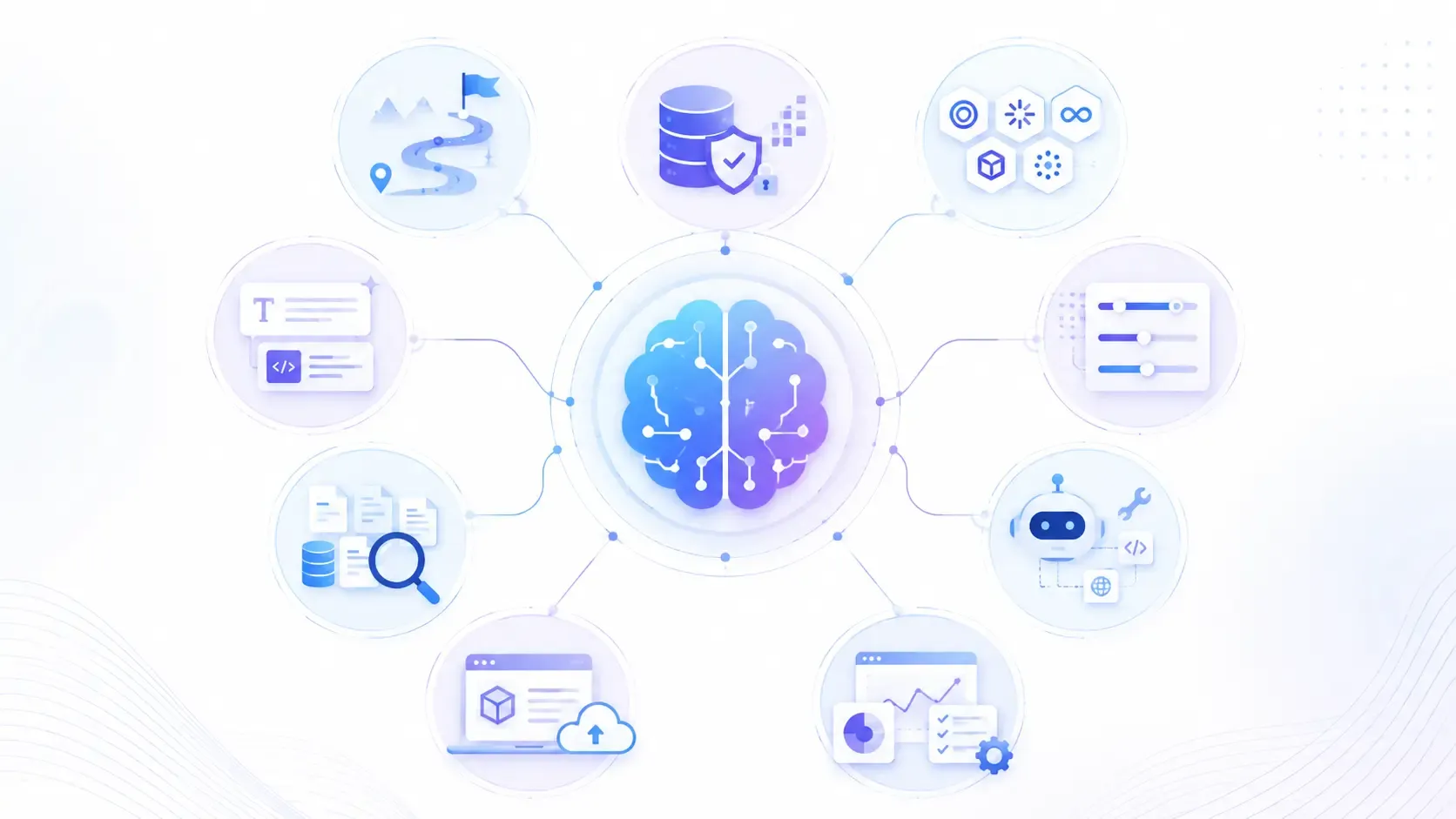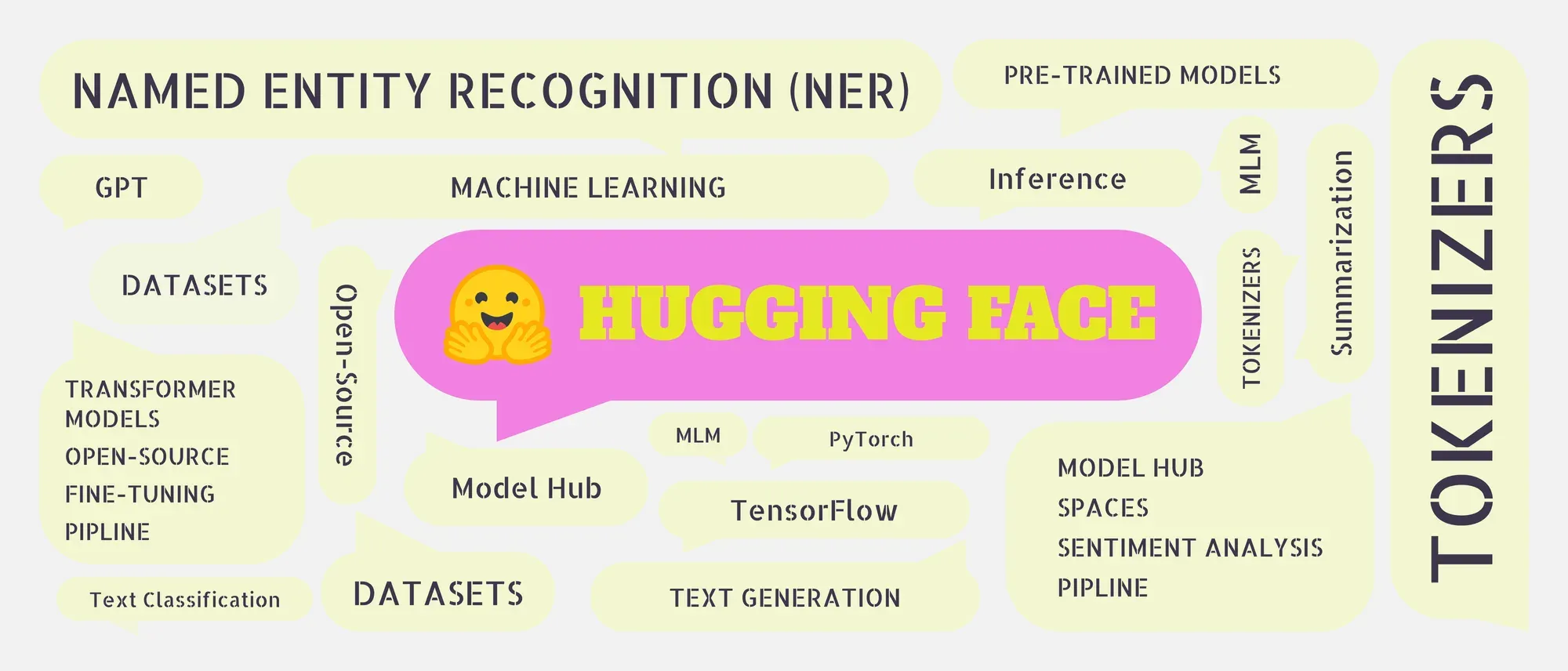
- Hugging Face is an open-source platform for accessing, sharing, fine-tuning, and deploying AI models.
- The Hub hosts pre-trained models, datasets, and interactive AI applications called Spaces.
- The Transformers library supports text, image, audio, and multimodal tasks.
- Diffusers is designed for image and video generation using diffusion models.
- The Inference API lets developers run hosted models without managing local infrastructure.
- Beginners can start with
pipeline(), while advanced users can fine-tune and deploy custom models.- Hugging Face supports local inference, self-hosting, managed endpoints, and model sharing.
If you are building AI applications in 2026, Hugging Face is one platform you cannot afford to overlook. From running state-of-the-art language models to fine-tuning your own, it has become the central hub where the AI community builds, shares, and ships.
This guide breaks down what Hugging Face is, what it offers, and exactly how to get started, whether you are a beginner writing your first pipeline or a developer moving toward production.
What Is Hugging Face?
Hugging Face is an open-source AI platform and community that hosts pre-trained models, datasets, and tools for building machine learning applications. Often called the "GitHub of AI", it started as a chatbot company but evolved into the largest public repository for machine learning resources in the world.
As of 2026, the platform hosts:
- 2 million+ pre-trained models
- 500,000+ datasets
- 1 million+ AI-powered apps (Spaces)
According to IBM, Hugging Face is committed to democratizing AI, making cutting-edge models and tools accessible to developers, researchers, and businesses without requiring deep ML expertise or massive compute budgets.
What Does Hugging Face Offer?
1. Pre-trained Models
Hugging Face hosts thousands of pre-trained models ready to use out of the box. Instead of training a model from scratch, which requires significant time, data, and compute, you can pick a model that fits your task and start building immediately.
Models are available for nearly every task:
- Text — classification, summarisation, translation, question answering, code generation
- Image — object detection, image classification, image captioning
- Audio — speech recognition, audio classification
- Multimodal — models that handle both text and images
Popular model families hosted on Hugging Face include Meta's Llama 3, Mistral, Falcon, Qwen, BERT, GPT-2, and T5, covering everything from lightweight local inference to frontier-scale reasoning.
2. Datasets
Hugging Face provides a massive collection of curated datasets for training, evaluating, and fine-tuning models. These cover tasks like:
- Sentiment analysis
- Machine translation
- Question answering
- Image recognition
- Code generation
Using the datasets library, you can load any dataset in a single line of Python, no manual downloading or preprocessing required.
3. Transformers Library
The Transformers library is Hugging Face's most widely used tool. It provides a unified Python API for loading, running, and fine-tuning state-of-the-art models across text, image, and audio tasks. It integrates seamlessly with PyTorch and TensorFlow and is the go-to starting point for any NLP or generative AI project.

Walk away with actionable insights on AI adoption.
Limited seats available!

4. Diffusers Library
The Diffusers library is Hugging Face's dedicated toolkit for image and video generation using diffusion models. It supports models like Stable Diffusion, SDXL, and ControlNet, and makes it straightforward to run or fine-tune image generation pipelines with just a few lines of code.
5. Hugging Face Spaces
Spaces is Hugging Face's app hosting platform, think of it as Vercel or Streamlit Cloud, but built specifically for AI applications. With over 1 million hosted apps in 2026, Spaces lets you deploy interactive ML demos built with Gradio or Streamlit without managing any infrastructure. It is widely used by researchers to share working demos alongside their papers.
6. Inference API
The Inference API lets you run any model hosted on Hugging Face via a simple HTTP request, no local GPU, no environment setup, no model download required. This is the fastest way to integrate a Hugging Face model into any application, in any programming language.
import requests

API_URL = "https://api-inference.huggingface.co/models/distilbert-base-uncased-finetuned-sst-2-english"
headers = {"Authorization": "Bearer YOUR_HF_TOKEN"}

response = requests.post(API_URL, headers=headers, json={"inputs": "I love using Hugging Face!"})
print(response.json())
7. AutoTrain
AutoTrain is Hugging Face's no-code fine-tuning tool. You upload your dataset, select a base model, configure a few settings, and AutoTrain handles the rest — training, evaluation, and model upload to the Hub. It is designed for teams who want custom models without writing training code.
8. Hugging Face Hub
The Hub is the backbone of the entire platform. It is where models, datasets, and Spaces are hosted, versioned, and shared. Like GitHub, every model on the Hub has a model card explaining what it does, how it was trained, its limitations, and example code. You can browse, search by task or framework, and deploy directly from the Hub.
How to Use Hugging Face?
Step 1: Create an Account and Get Your Token
Sign up at huggingface.co. Once logged in, go to Settings → Access Tokens and create a token. You will need this for accessing gated models and the Inference API.
Step 2: Install the Libraries
bash
pip install transformers datasets diffusers accelerateStep 3: Run Your First Pipeline
The pipeline() function is the fastest way to run a model. It handles tokenization, inference, and output formatting automatically.
python
from transformers import pipeline

# Sentiment analysis
classifier = pipeline("sentiment-analysis")
result = classifier("I love using Hugging Face!")
print(result)
# [{'label': 'POSITIVE', 'score': 0.9998}]
You can swap the task string to switch between use cases:
# Text summarization
summarizer = pipeline("summarization")
summary = summarizer("Hugging Face is an AI platform that hosts models, datasets, and tools...")

# Text generation
generator = pipeline("text-generation", model="gpt2")
output = generator("The future of AI is", max_length=50)
Step 4: Load a Specific Model
When the default pipeline model is not what you need, load any model from the Hub directly:
from transformers import AutoTokenizer, AutoModelForSequenceClassification
import torch

model_name = "distilbert-base-uncased-finetuned-sst-2-english"
tokenizer = AutoTokenizer.from_pretrained(model_name)
model = AutoModelForSequenceClassification.from_pretrained(model_name)

inputs = tokenizer("Hugging Face makes AI accessible.", return_tensors="pt")
outputs = model(**inputs)
predictions = torch.nn.functional.softmax(outputs.logits, dim=-1)
print(predictions)
Step 5: Load a Dataset
from datasets import load_dataset

dataset = load_dataset("imdb")
print(dataset["train"][0])
# {'text': 'I rented I AM CURIOUS...', 'label': 0}
What Can You Build with Hugging Face?
The platform supports a wide range of real-world applications:
- AI Chatbots — using Llama 3, Mistral, or Falcon with custom knowledge bases
- Document Summarization Tools — condense long reports, legal documents, or research papers
- Sentiment Analysis — monitor customer reviews, social media, or support tickets at scale
- Translation Apps — multilingual support across 100+ languages
- Image Generation Pipelines — build creative tools using Stable Diffusion via Diffusers
- Code Assistants — using models like CodeLlama or StarCoder for developer tooling
- Speech-to-Text Systems — using Whisper for transcription and voice interfaces
Walk away with actionable insights on AI adoption.
Limited seats available!
Why Hugging Face Over Other Platforms?
| Feature | Hugging Face | OpenAI API | Google Vertex AI |
| Open Source Models | Yes (2M+) | No | Partial |
| Free Tier | Yes | Limited | Limited |
| Self-hosting | Yes | No | No |
| Fine-tuning | Yes (AutoTrain + code) | Limited | Yes |
| Community & Models | Largest | Closed | Closed |
| Inference API | Yes | Yes | Yes |
| Local Inference | Yes | No | No |
The key advantage Hugging Face has over closed platforms like OpenAI is flexibility. You can run models locally, fine-tune them on your own data, host them on the Hub, and deploy them, all without being locked into a proprietary API or per-token pricing at scale.
Frequently Asked Questions
1. What exactly is Hugging Face used for?
Hugging Face is used for building AI applications across text, image, and audio, including chatbots, summarisation tools, translation apps, image generators, and sentiment analysis systems. It provides pre-trained models, datasets, and libraries that remove the need to build AI infrastructure from scratch.
2. Do I need advanced AI knowledge to use Hugging Face?
No. Hugging Face is designed to be accessible at every level. Beginners can start with the pipeline() function and build working applications in minutes. Advanced users can fine-tune models, run distributed training, and deploy custom endpoints.
3. Is Hugging Face free to use?
Yes, Hugging Face is free to get started. Access to public models, datasets, the Transformers library, and the Hub is free. Paid plans are available for private model hosting, dedicated inference endpoints, and AutoTrain compute for larger workloads.

Sharmila Ananthasayanam
I'm an AIML Engineer passionate about creating AI-driven solutions for complex problems. I focus on deep learning, model optimization, and Agentic Systems to build real-world applications.
Walk away with actionable insights on AI adoption.
Limited seats available!